Integrating a Clinic System or ERP with Egypt's e-Receipt: 12 Technical Requirements to Test Before You Sign
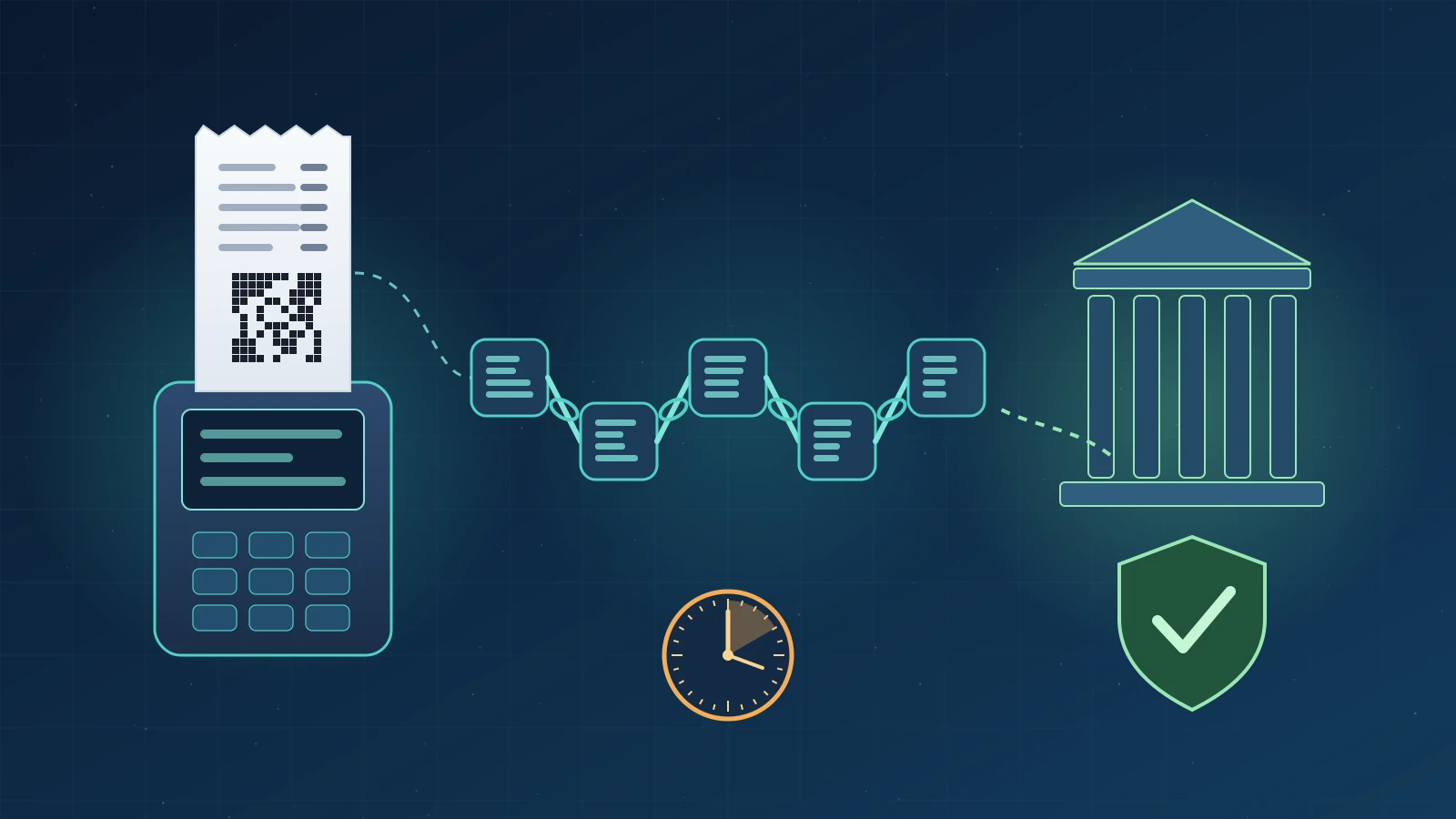
Short answer: For a clinic system or ERP to issue an e-receipt that Egypt's Tax Authority (ETA) accepts, the taxpayer must already be registered on the e-invoicing system and covered by an e-receipt mandate decision, and the software must be able to: obtain a one-hour access token for each point of sale, compute the receipt UUID with SHA-256 and chain it to the previous receipt, submit within 24 hours, print the QR code in the official format, and handle rejections without blind resubmission. This guide turns those rules into 12 practical tests to run before you sign with a vendor.
Many clinic owners, medical centres and retailers in Egypt are asking the same question: is it enough for a software vendor to say their system is "linked" to the e-receipt system? In practice, integration is not a single button. It is a set of technical rules published in the ETA's official developer documentation (SDK). Most Arabic content online explains the administrative registration steps, but says little about what you should verify inside the software before you pay. This article gathers those rules from official sources and turns them into a checklist that an owner or finance manager can ask a vendor to demonstrate.
What is the e-receipt and how is it different from the e-invoice?
The e-receipt is an electronic tax document a taxpayer issues for goods sold or services delivered to the final consumer (B2C), and submits to the Egyptian Tax Authority's system for registration and validation. The e-invoice covers transactions between businesses (B2B). According to the ETA's official FAQ page (Arabic), all taxpayers became obliged to use e-invoicing under Minister of Finance Decree No. 323 of 2022, while joining the e-receipt system has three conditions: the taxpayer must already be on the e-invoicing system, a mandate decision must be issued by the ETA head, and goods and services must be coded according to the approved rules.
A patient paying for a consultation or a session is usually a final consumer, which is why the e-receipt matters most to clinics, medical centres, pharmacies and direct-sales outlets.
Is your business required to issue e-receipts now?
Do not assume you are. The ETA mandates taxpayers in phases through decisions issued by its head, each with an attached list of the taxpayers covered. The ETA publishes the list of these decisions; at the time of writing, the latest one shown was Decision No. 361 of 2025 for phase nine (first sub-phase), which required the listed taxpayers to issue receipts on the live environment from 15 November 2025. The most reliable check is the ETA's "inquiry about taxpayers covered by e-receipt mandate decisions" page using your tax registration number, or your tax office.
The ETA's guide for doctors explains that a doctor who deals only with final consumers can register on the e-invoicing system and request a deferral of issuance until an e-receipt mandate covers them, then activate the receipt feature on their digital profile (the B2C tag) without extra documents. A doctor can also apply to join voluntarily before a mandate is issued.
Which e-receipt issuing channels are available to a clinic or business?
The same official guide lists three channels: an approved point-of-sale (POS) device registered on the taxpayer's digital profile and integrated directly with the system; an ERP that collects receipts issued by its linked POS terminals and submits them; or the system's mobile app. The right channel depends on daily volume, number of branches, and whether you already run a clinic or sales management system.
| Channel | Usually suits | What to watch |
|---|---|---|
| ETA mobile app | A solo clinic with a limited number of receipts | Manual entry, separate from patient records and accounts |
| Approved POS device | A shop or reception desk with medium volume | The device must be registered and linked to the tax registration number before its first receipt |
| ERP or clinic system integration | Multi-branch centres or high volume | Your system carries full technical responsibility: tokens, chaining, submission and errors |
12 technical requirements for integrating your system with the e-receipt
The rules below come from the Receipt Issuance FAQ in the official SDK and the e-receipt API pages. The last column is Smart One Group's wording of a practical test to request from your vendor; it is not official text.
| # | Official rule | Published value | Suggested pre-contract test |
|---|---|---|---|
| 1 | POS authentication via OAuth 2.0 client credentials | Access token valid for 3600 seconds (one hour) | Ask to see the token renewed automatically before it expires |
| 2 | Device data in the authentication request | Serial number up to 100 characters, OS version, pre-shared key | Confirm each POS has its own credentials |
| 3 | Receipt UUID | SHA-256 hash of the content, 64 hexadecimal characters | Change one line item and check that the UUID changes |
| 4 | Receipt chaining | Each receipt includes the UUID of the previous receipt from the same device | Ask for proof that correcting a receipt does not break the chain |
| 5 | Submission window | Within 24 hours of issuance | Cut the internet for an hour, restore it and watch automatic submission |
| 6 | Batch size | Up to 500 receipts (1.5 MB); maximum 300 lines per receipt | Confirm the system splits large batches |
| 7 | National ID for an individual buyer | Mandatory when the total is EGP 150,000 or more (version 1.2 and later) | Test a high-value receipt to see whether the system asks for the national ID |
| 8 | QR code on the printed receipt | Portal link to the receipt plus total and seller registration number | Scan it with your phone and confirm it opens the receipt |
| 9 | Return receipt | Issued within 540 days of the sales receipt and referencing its UUID | Try cancelling a paid session and issuing a return |
| 10 | Correcting a rejected receipt | 96 hours with a reference to the old UUID, 72 hours without | Ask for a screen listing rejected receipts and the reason |
| 11 | Receiving processing results | Callback is preferred; polling is the second option | Ask: how does the system know a receipt was accepted? |
| 12 | Avoiding duplicate resubmission | Repeated submissions are flagged as duplicates and may be throttled | Confirm the system never resends a batch that received a success response |
Why does receipt chaining matter so much?
Each receipt's UUID is calculated from its full content, including the UUID of the previous receipt issued by the same POS, and the SHA-256 output is converted to a 64-character hexadecimal string. In practice, any change to a line or price changes the UUID, and correcting a rejected receipt in the middle of a chain must keep the same previous UUID and add the ReferenceOldUUID field. A system that handles this manually, or not at all, will leave gaps that are hard to explain later.
What happens after you press "Send"?
According to the submission API page, receipts are sent in JSON only to POST /api/v1/receiptsubmissions, and the system returns HTTP 202 with a submission ID because full validation has not finished yet. So a "sent" message on screen does not mean the receipt was accepted; acceptance or rejection comes later through a callback or a submission status check.
What are common e-receipt integration mistakes?
The official Integration Practices page lists anti-patterns to avoid because they can get your system throttled or harm data integrity, including:
- Requesting a new access token on every call instead of caching it for its lifetime (60 minutes by default).
- Tracking a submission by querying each receipt individually instead of using the submission status API.
- Resending the same submission repeatedly without reading the response; any 20x response means the submission was received and must not be resent.
- Relying heavily on the "Get Recent Receipts" API instead of the more efficient search API.
The POS authentication page also states that only taxpayers assigned the B2C tag may submit receipts, and that renewing the token before it expires is your system's responsibility.
How should a clinic prepare its service data before integration?
A receipt must include every service and item provided, each with a code. The ETA's guide for doctors explains two code types: the paid global GS1 code, and the free Egyptian EGS code, made up of EG, the registration number and the internal service number, linked to a GPC classification and requiring ETA approval within 15 days of creation. We therefore recommend these steps before any integration:
- Export a complete list of clinic services and prices from your current system and standardise their names.
- Create EGS codes for every service, link them to the right GPC classification, and wait for approval before your mandate date.
- Identify your points of sale and branches, and register each device on the digital profile before it issues its first receipt.
- Ask the vendor for a test environment and run the 12 checks in the table above.
- Assign someone to review rejected or unsent receipts every day.
- Keep a copy of the mandate decision and any tax office reply in your company files.
When do you need a custom system instead of an off-the-shelf option?
If you run a solo clinic with few daily receipts, the ETA app or an approved POS device may be enough. But if you already have a clinic management system covering appointments, patient files and the cash desk, double entry increases the risk of mismatches between what you recorded internally and what was sent to the ETA. In that case, direct API integration is the logical choice, provided it passes the tests above. Smart One Group's custom software team connects clinic and sales systems to government APIs, and our technical support team follows up on operations after launch.
Frequently asked questions
Are all doctors required to issue e-receipts?
That cannot be concluded from general texts; mandates are issued by decisions of the ETA head with lists of the taxpayers covered. Check with your tax registration number on the ETA website or ask your tax office.
Can I submit a week's receipts in one batch at the weekend?
No. The SDK rules require submission within 24 hours of issuance, and any late submission needs a late submission request under limits managed by the ETA.
Is a "sent" status in the software enough?
No. The submission API returns only HTTP 202 and a submission ID; acceptance or rejection is known later. Your system should show the final status of every receipt.
When must the patient's national ID appear on the receipt?
When the buyer is an individual and the receipt total is EGP 150,000 or more for receipt structure version 1.2 and later, according to the published validation rules.
What is the difference between GS1 and EGS codes?
GS1 is a paid global code; EGS is a free Egyptian code created on the system, linked to a GPC classification and requiring ETA approval within 15 days of creation.
What is the penalty for not issuing e-receipts?
The ETA states that non-compliance leads to the penalties set out in the Unified Tax Procedures Law, but its FAQ page does not specify an amount, so check with your accountant.
This article is general technical guidance, not tax or legal advice; the values quoted were taken from ETA pages at the time of writing and may change. If you would like your clinic's or company's system reviewed for readiness before your mandate date, you can contact the Smart One Group team to discuss your situation.