How to Move a Website to New Hosting Without Downtime: A 7-Day DNS and TTL Plan for Egyptian Companies and .eg Domains

The short answer: you can move a website to new hosting without noticeable downtime if you lower the TTL of your DNS records at least as far in advance as their current TTL, fully build and test the new server, switch the records in a quiet window, and keep the old hosting running until its traffic reaches zero. Companies on a .com.eg domain also need to plan for the fact that changing the nameservers themselves goes through an official form that the registry operator processes within two working days.
This guide sets out a practical seven-day plan to move a website to new hosting, based on the DNS standards, Google's guidance and the Egyptian domain registry's procedures, with a table showing where each change happens and what controls how long it takes.
What is TTL, and why does it decide how long a move to new hosting takes?
TTL (time to live) is a number of seconds attached to every DNS record. It sets the maximum time that resolvers at internet providers may keep an answer in their cache before asking the authoritative server again. RFC 8767 says these values should be capped on the order of days to weeks, with a recommended cap of 604,800 seconds (7 days).
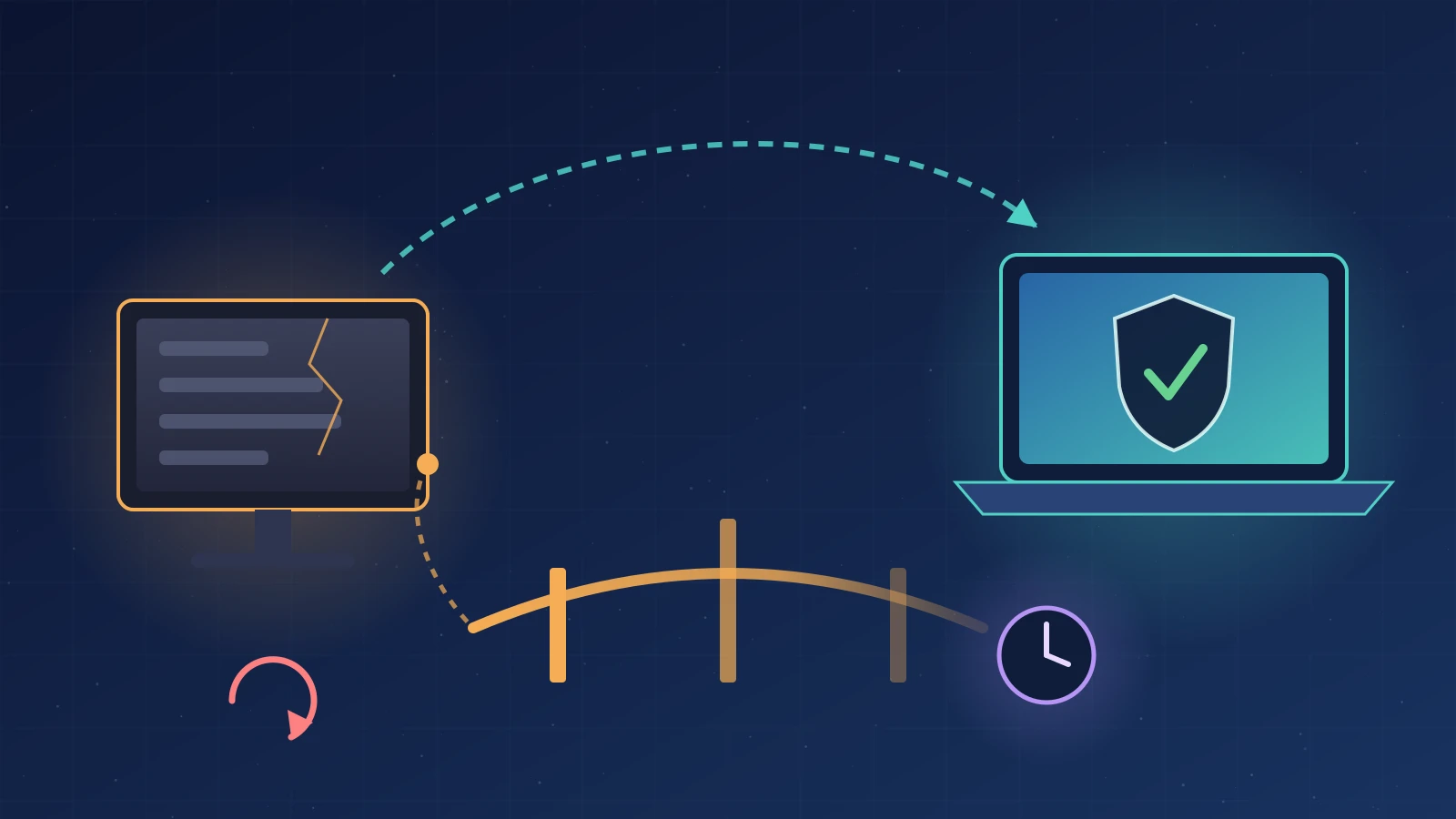
In practice: if your site's record has a TTL of 86,400 seconds (one day), some visitors may keep reaching the old server for up to a day after you change it. That is also why lowering the TTL to, say, 300 seconds only helps once the old value has run out, because anyone who cached the old answer keeps it for the old duration. The rule that follows from the definition of TTL: lower the value at least as far ahead of the move as the current TTL.
Google's guide to changing your hosting without changing URLs recommends lowering the TTL to a conservative low value, such as a few hours, at least a week before the move.
Why isn't TTL alone enough to stop every visitor from reaching the old server?
Because the standard also allows serve-stale: when a resolver can't reach the authoritative servers, it may keep using a cached answer after it has expired. RFC 8767 suggests retaining such answers for one to three days after expiry. Shutting down the old hosting on the day of the move is therefore an unnecessary risk.
Google says plainly that the final step is to check the old server's logs and shut it down only once its traffic reaches zero.
Where does each change happen, and what controls how long it takes?
Not all DNS changes are equal. Changing your site's address inside your current DNS panel is much faster than changing the nameservers themselves, because a nameserver change goes through the TLD registry, whose TTL values you don't control.
| Change | Where it's made | What controls propagation | Note for Egyptian companies |
|---|---|---|---|
| A or AAAA record (site address) | Current DNS panel | The TTL you set | Fastest and lowest-risk option |
| MX record (email) | Current DNS panel | TTL plus retries by sending mail servers | Move mailboxes before changing the record |
| NS (nameservers) | Registrar or TLD registry | The parent registry's TTLs, which you don't control | For .eg: an official form, processed within two working days |
| DS record (DNSSEC) | Registrar | The DS record's TTL at the parent | When we checked on 13 November 2026, .eg had no DS record in the root zone |
A useful rule: where possible, change only the address and mail records, and leave the nameserver change for a separate later step, so you don't stack two sources of delay on one day.
How do you change the nameservers of a .com.eg domain?
According to the modify technical data page on domain.eg, run under Egypt's Supreme Council of Universities, you change nameservers or contact details by downloading the change form, signing and approving it on the owner's official letterhead, and emailing a copy to domreg@scu.eg from the contact channels already on file. The page says the registration officer reviews and carries out the request within two working days of receipt, and that registration or renewal fees must be paid before the change is requested.
In practice, don't schedule a .eg nameserver change for a Thursday before a holiday, and don't assume it will happen within the hour. Prepare the form in advance, and make sure the old and new nameservers serve identical records throughout the wait. For the full .eg document requirements see our guide to registering a .com.eg domain, and for why nameserver diversity matters see our scan of nameserver resilience on Egyptian domains.
What is the seven-day plan to move a website to new hosting without downtime?
This is the general framework we use at Smart One Group, adjusted to the size of the site and the type of system:
- Day 7 before the move (inventory and lower): export a complete list of your current DNS records (A, AAAA, CNAME, MX and TXT, including SPF, DKIM, DMARC and verification records). Note the current TTL of each, then lower the site and mail records to a low value such as 300 to 3,600 seconds.
- Days 6 to 3 (build and test): copy the files and database to the new server and test it through a temporary hostname or by editing the hosts file on a test machine. Check pages, forms, logins, payments and uploaded files. Google advises adding a noindex rule to any public test hostname so the test copy isn't indexed.
- Day 2 (certificate and mail): set up the SSL certificate on the new server before the switch. According to Let's Encrypt's documentation, the HTTP-01 challenge needs the validation servers to reach your site on port 80, while the DNS-01 challenge uses a TXT record and works even before the domain points to the new server. Move mailboxes and their contents before changing the MX record.
- Move day (freeze, sync, switch): in a low-traffic window, pause writes on the old system, especially for clinic and accounting systems, run a final database sync, remove any robots.txt or noindex crawl blocks from the new copy, and then change the records.
- The first hours after the move (monitor): watch the logs on both servers; traffic should fall on the old one and rise on the new one. You can ask Google Public DNS and Cloudflare 1.1.1.1 to refresh their caches, though that does not affect other internet providers' resolvers.
- Days 1 to 7 after the move (stabilise): keep the old hosting running and don't delete its data. Watch Search Console: Google says a temporary drop in crawl rate after a hosting change is normal and that it rises again over the following days.
- Once traffic on the old server stops (close): restore normal TTL values, keep a final backup of the old server, and then cancel it.
How do you move email without losing messages?
Email is more forgiving than a website, with one condition: the old server must not accept messages and then disappear. Under RFC 5321, a sending server must retry after a failure, generally at intervals of at least 30 minutes, and the give-up time generally needs to be at least four to five days. A message that is temporarily refused will be retried later, but a message the old server accepts after the switch stays on that server.
So move the mailboxes first, then change the MX record, then keep the old mailboxes reachable for several days and pull any late messages from them. Copy SPF, DKIM and DMARC records exactly, because missing ones can push your mail into spam folders.
What about DNSSEC when you change DNS provider?
If your domain is signed with DNSSEC (common on .com and other TLDs), changing nameservers while the old DS record is still in place can cause validating resolvers to return SERVFAIL, which means the site disappears for their users. Cloudflare's documentation describes two options: a multi-signer migration, or removing the DS record and waiting for its TTL to expire before changing nameservers. For .com.eg domains, we found on 13 November 2026 that the root zone has no DS record for .eg, so the chain of trust does not currently reach them; details are in our DNSSEC guide for .eg domains.
Which mistakes most often cause downtime during a hosting move?
- Lowering the TTL on the day of the move instead of well before it.
- Shutting down the old hosting right after the switch.
- Forgetting service verification TXT records or DKIM records.
- Leaving the test copy's robots.txt or noindex rule on the live site.
- A new firewall blocking Googlebot, which Google's guide warns about.
- Changing nameservers, site address and email on the same day, which makes any fault hard to trace.
Frequently asked questions
How long does DNS propagation take after moving a website to new hosting?
It depends on the TTL that resolvers had cached. If you lowered it in advance to, say, 300 seconds, most visitors move within minutes, though a few may keep using old data for longer.
When should I lower the TTL before a move?
At least as far in advance as the current TTL, and Google recommends at least a week. If the current value is a full day, lowering it an hour before the move does nothing.
How long does a nameserver change take for a .com.eg domain?
domain.eg says an approved change request is carried out within two working days of receipt, provided the fees are paid and the request comes from the owner through the contact channels on file.
Does changing hosting affect my Google rankings?
Google says a temporary drop in crawl rate after a hosting change is normal and that it increases over the following days as long as the new server is fast and reachable. No ranking outcome can be guaranteed, but unchanged URLs and a stable server reduce the risk.
When can I shut down the old hosting?
When the old server's logs show its traffic has reached zero, not on the day of the move. We treat one week as a conservative minimum, given the caching limits RFC 8767 suggests.
Will I lose email while changing the MX record?
Not if you move the mailboxes before the change and keep the old ones reachable for several days. Sending servers retry for days after a temporary failure, but messages the old server accepts stay there until you pull them.
If you are planning to move your company website or clinic system to a new server, Smart One Group's hosting and servers team can review your current DNS records and prepare a migration plan that fits your system. To manage your records yourself, see our guide to managing DNS and nameservers, or contact us to talk through your setup.